
Top 15 Free AI Interior Design Apps for Homeowners & Designers in 2026
Interior design used to begin with mood boards, measuring tapes, Pinterest folders and a fair amount of guesswork. In 2026, that first step often starts with a room photo and an AI prompt.
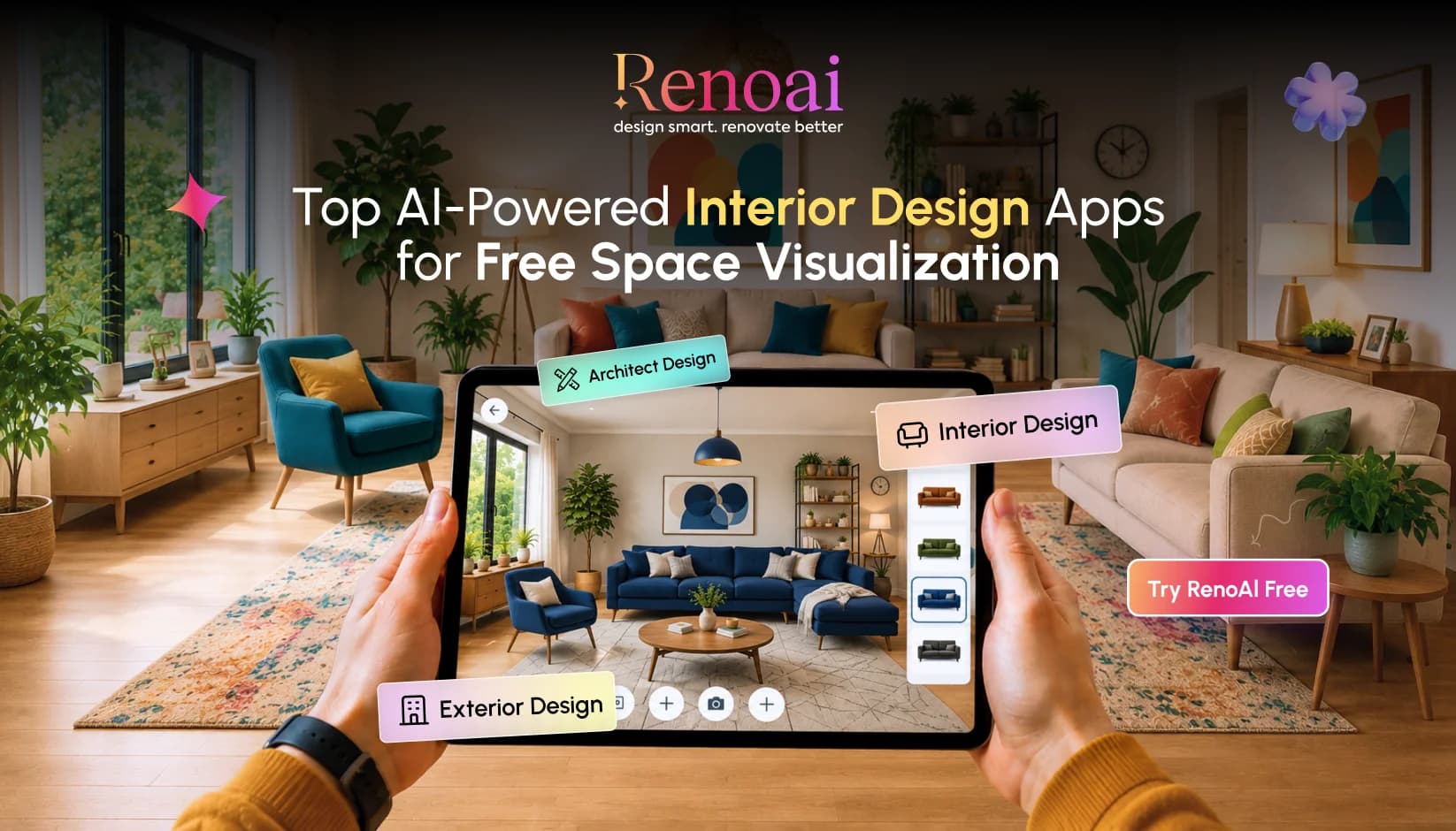
The rise of Free AI interior design apps has made it easier for homeowners, renters, real estate teams and designers to visualize a space before spending on paint, furniture, flooring, lighting or renovation work.
Upload a photo choose a style and within seconds, these AI room design apps can show how your bedroom will look how your living room could feel with warmer lighting or how an empty property listing could look fully furnished and ready to live in.
Below is a researched list of the best AI interior design tools 2026 for homeowners and designers looking for free freemium or free-to-start options.
Why AI Interior Design Apps Are Getting So Popular?
The reason is simple: people want to “see it before they spend.”
A sofa can look perfect online and completely wrong in your room. A paint shade can feel calm on a swatch and dull on a full wall. A kitchen renovation can sound great in a discussion but look awkward once cabinets, lighting and flooring meet in one space.
That is where AI home design software helps. These tools turn vague ideas into visual options. They support quicker conversations between homeowners, partners, designers, contractors & clients. For professionals, AI apps for interior designers can speed up mood board creation, client presentations early concept testing, virtual staging and style exploration.
15 Best Free AI Interior Design Tools for Smarter Space Planning in 2026
AI is quickly becoming the easiest way to test home makeover ideas before spending on furniture, paint, décor or renovation work. From quick room redesigns to 3D planning and virtual staging these Free AI interior design apps help homeowners, renters, designers and real estate teams visualize spaces with more confidence.
Here are top 15 AI Interior Design Tools for Free Space Visualization in 2026
1. RenoAI
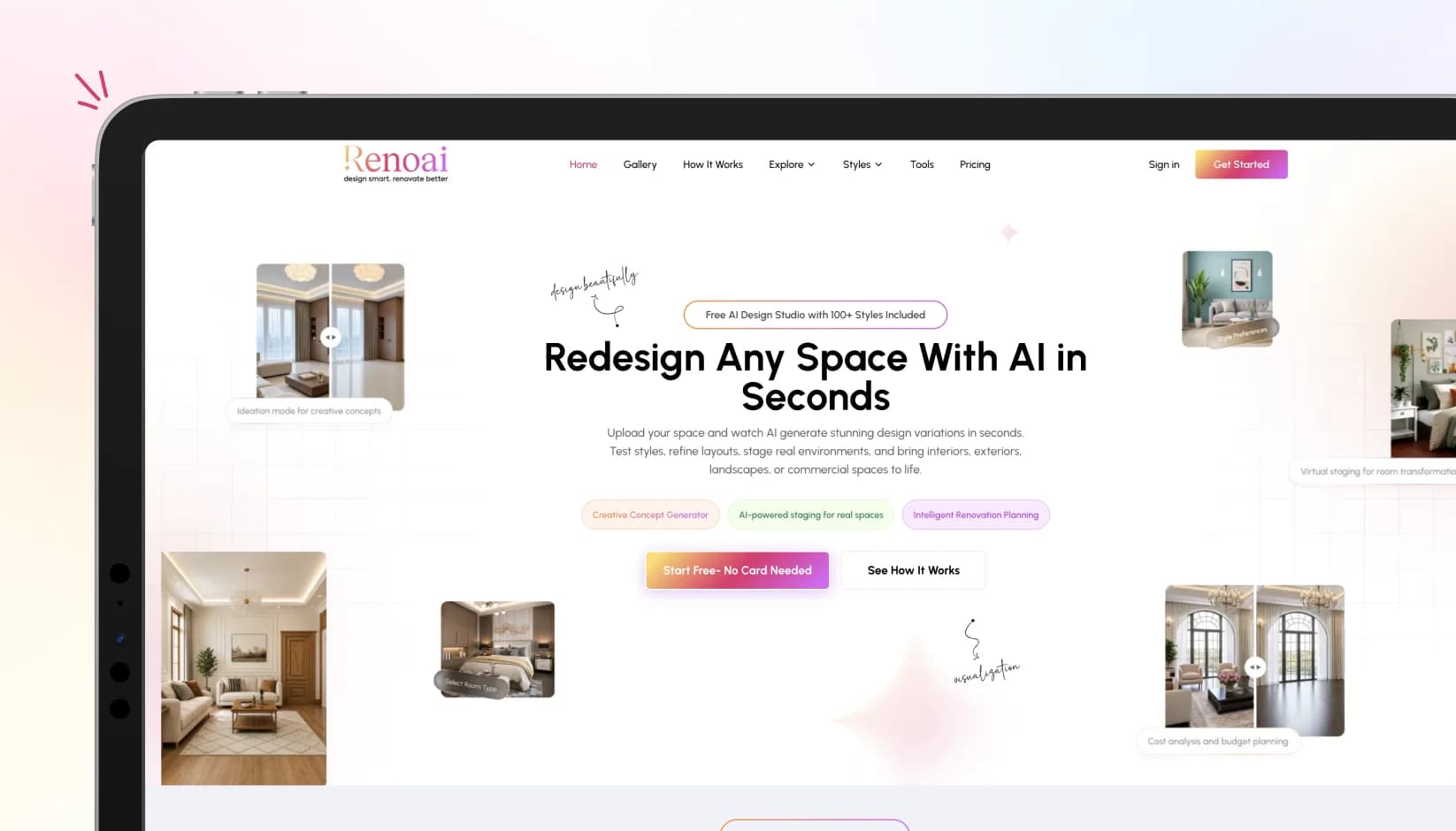
RenoAI is a smart choice for homeowners and designers who want to visualize interiors before making real renovation or décor decisions. It helps users explore room styles, furniture arrangements, wall finishes, color themes and makeover ideas using AI-powered visuals. Instead of imagining how a space could look users can see different design directions quickly and make better choices.
For homeowners, RenoAI works like a digital design assistant. For designers it can support faster concept creation, client discussions and early-stage visualization.
Key highlights:
- Helps generate room makeover ideas with AI
- Useful for renovation, redesign and décor planning
- Supports faster concept visualization
- Ideal for homeowners, interior designers and property professionals
Best for: AI room redesign renovation visualization, interior makeover concepts and home décor planning.
Read More: How to Use RenoAI: Step-by-Step Guide for Interior & Space Design
2. Planner 5D
Planner 5D is one of the most practical AI home design software options for users who want more control over floor plans, room layouts & furniture placement. It allows users to work with 2D and 3D views, making it helpful for both simple room planning and more detailed home design projects.
It is especially useful when users want to understand how furniture, walls and layouts will work together before making physical changes.
Key highlights:
- 2D and 3D floor planning
- Furniture and décor placement
- Room layout visualization
- Suitable for beginners and design-focused users
Best for: Floor plans, furniture planning, home layouts and renovation ideas.
3. Homestyler
Homestyler is a browser-based interior design platform that gives users a fuller design experience. It works well for people who want to create rooms, place furniture, experiment with design styles and generate visual concepts.
For professionals, it feels more structured than a basic AI image tool. Designers can use it to support mood boards, client presentations and early layout discussions.
Key highlights:
- Browser-based 3D room design
- Furniture layout options
- Visual rendering support
- Useful for client-facing concepts
Best for: 3D interiors, room layouts, furniture planning and design presentations.
4. HomeStyler AI
HomeStyler AI is made for quick room redesigns. Users can upload a room image, choose a preferred style and generate a refreshed look without building a complete floor plan from scratch.
This makes it helpful for homeowners who want fast inspiration. It is also useful for testing color directions, room moods and style combinations before deciding on a final look.
Key highlights:
- Fast photo-based room redesign
- Multiple interior styles
- Beginner-friendly interface
- Good for quick visual exploration
Best for: Quick room makeovers, style testing and visual inspiration.
5. RoomGPT
RoomGPT is a simple and easy-to-use option for users who want to redesign rooms through AI without learning complex software. A user can upload a room photo, select a style and receive a redesigned version of the space.
It is best suited for early inspiration rather than detailed planning. Homeowners can use it to compare styles and understand what direction feels right for their space.
Key highlights:
- Simple photo upload workflow
- Quick AI-generated room designs
- Multiple style options
- No advanced design knowledge needed
Best for: Fast AI room makeovers, first-time users and design inspiration.
Read More: How to Use AI to Redesign Your Bedroom in Minutes
6. RoomsGPT
RoomsGPT is another easy option for users looking for free AI home décor apps with low friction. It is useful for people who want to test room redesign ideas without signing up for a complex platform.
The tool is especially helpful for casual users who want to refresh a bedroom, living room, kitchen, office or rental space with fresh visual ideas.
Key highlights:
- Easy room photo upload
- Free daily design credits
- Multiple room styles
- Good for casual home décor experiments
Best for: No-fuss room redesigns, casual inspiration and simple visual concepts.
7. DecorMatters
DecorMatters combines AI design, décor planning, AR previews, product discovery and community inspiration. It is not just a room redesign tool. It gives users a more interactive way to experiment with furniture, décor items and interior styling.
Homeowners can use it to test product ideas, while design lovers can explore trends and create room concepts with more creative freedom.
Key highlights:
- AI room design support
- AR furniture preview
- Shoppable décor ideas
- Community design inspiration
Best for: Home décor planning, AR furniture previews and shoppable design ideas.
8. Spacely AI
Spacely AI is a strong option for designers, architects, real estate teams and homeowners who need more polished visuals. It focuses on realistic renders, room editing, furnishing and design enhancement.
Unlike basic AI home makeover apps, Spacely AI feels more professional because it supports client-ready room concepts and design workflows.
Key highlights:
- Realistic AI interior renders
- Design editing and furnishing support
- Useful for architects and designers
- Good for presentation-ready concepts
Best for: Interior designers, architects, real estate visuals and client presentations.
9. ReimagineHome
ReimagineHome is useful for users who want room concepts that feel closer to real buying and styling decisions. It focuses on preserving room structure while generating fresh interior design ideas.
This makes it useful for homeowners who are actively thinking about furniture, décor, colors and budgets. It is also helpful for designers who want to show clients realistic makeover directions.
Key highlights:
- Photo-based room redesign
- Structure-aware visual concepts
- Budget and style-based ideas
- Shoppable room inspiration
Best for: Shoppable design concepts, room makeovers and realistic home styling ideas.
10. Decor8 AI
Decor8 AI supports photo-based room transformation and virtual staging. It is useful for homeowners, designers and real estate professionals who want to quickly turn ordinary spaces into more polished interior visuals.
It can be used for empty rooms, furnished rooms, rental properties or listing visuals where presentation matters.
Key highlights:
- AI room transformation
- Virtual staging support
- Multiple design styles
- Useful for real estate visuals
Best for: Virtual staging, room redesigns and property presentation.
11. Remodel AI
Remodel AI is useful for users who want broader renovation-style visualization, not just decorative room styling. It can help explore wall treatments, room changes, exterior ideas and makeover directions.
For homeowners, it is a good tool to test renovation possibilities before speaking with contractors or designers.
Key highlights:
- Room remodel visualization
- Multiple interior styles
- Useful for renovation concepts
- Good for testing design directions
Best for: Renovation ideas, remodel planning and home makeover concepts.
12. DecorAI
DecorAI is a simple option for users who want quick AI-powered redesigns without a heavy learning curve. It focuses on turning uploaded room photos into styled interior concepts.
It is a good starting point for people who want to explore different looks before choosing paint, furniture, lighting or décor themes.
Key highlights:
- Easy photo-to-design workflow
- Multiple room styles
- Beginner-friendly use
- Useful for simple home décor ideas
Best for: Simple room redesigns, mobile users and quick style experiments.
13. Decory
Decory is a mobile-first AI interior design app that helps users generate photorealistic room redesigns. It is especially useful for people who want inspiration and product direction in one place.
Users can explore how a space might look and then move closer to real décor shopping decisions.
Key highlights:
- Mobile-friendly room redesign
- Photorealistic visual concepts
- Style-based room makeovers
- Furniture and décor shopping support
Best for: Mobile redesigns, home décor shopping and style discovery.
14. DecAI
DecAI helps users transform empty rooms, cluttered spaces or furnished interiors into styled room concepts. It offers multiple room types and interior styles, making it useful for creative exploration.
This tool is helpful when users want to test different moods, from modern and minimal to cozy, luxury or zen-inspired spaces.
Key highlights:
- Multiple room type support
- Many interior style options
- Good for creative experimentation
- Simple visual makeover process
Best for: Style variety, room inspiration and quick creative exploration.
15. HomeByMe
HomeByMe is a strong option for users who want a more structured home design experience. It supports 3D home planning and helps users create rooms with more control than a simple AI image generator.
It is best for people who want to build, arrange and visualize a room carefully before moving into final design decisions.
Key highlights:
- 3D home design support
- Structured room planning
- Beginner-friendly platform
- Useful for layout-focused users
Best for: 3D room planning, home layouts and structured interior visualization.
Read More: How RenoAI Helps Interior Designers Win More Clients
How to Choose the Right AI Interior Design App?
The right AI interior design app depends on how deeply you want to plan, visualize or present a space. Some tools are better for quick style ideas, while others support layouts, renders, furniture placement and professional design workflows. Before choosing, check how accurate the visuals are, how easy the app feels and whether the free version gives enough features for real use.
Look for an app that offers:
- Photo-based room redesigns
- Multiple interior styles
- Realistic AI visualization
- Furniture and décor editing
- Floor plan or layout support
- Export options for sharing concepts
- Free credits or a usable free plan
For professional use, choose tools that support high-quality renders, editable layouts and client-ready presentations.
Conclusion
The best AI interior visualization tools in 2026 are not replacing designers. They are changing the starting point.
Homeowners can now explore ideas before buying furniture. Designers can produce faster concepts before building polished presentations. Real estate teams can stage empty spaces without waiting days for visuals. Renovators can test styles before calling contractors.
The smart move is to use AI for direction, not blind decision-making. Treat every output as a concept. Check measurements. Confirm materials. Review furniture dimensions. Bring in a designer, architect or contractor when structural decisions matter.
Used that way, virtual room design AI becomes less of a gimmick and more of a practical planning layer.
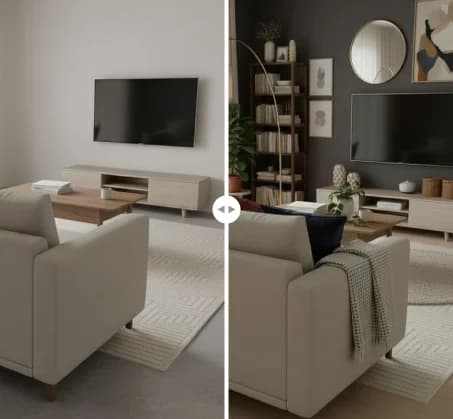
See RenoAI Come to Life in Your Space
Upload your room image and preview bold geometry, rich finishes, and timeless elegance before making any design decisions.
Preview RenoAI Now
Frequently
Asked Questions
Have questions about Top 15 Free AI Interior Design Apps for Homeowners & Designers in 2026? We answer them here
Look for photo upload, style selection, room-type options, realistic rendering, furniture editing, structure preservation, export quality & free credits. For serious projects, prioritize tools that support floor plans, product links, measurements and client-ready visuals.
Start Designing with RenoAI for Free
Get 50 free credits to create up to 2 AI-generated design images in just 30 seconds.
No credit card required. No long setup. Just upload your space and start visualizing instantly.

- 50 Free Credits
- Generate up to 2 images
- No credit card required

- Unlimited design exploration
- Higher usage, faster workflow
- Built for serious design needs

Turn Interior Ideas into Instant Visuals
Create AI-powered room concepts that help you plan, compare and choose better design directions faster.
Create Your Design