
From Scan to Render: The Smarter Way to Present Properties with AI
AI property visualization turns a real space photo or property scan into a realistic design render that helps buyers, owners, architects, and agents understand how a space could look before any physical change is made. Instead of relying only on empty-room images, rough sketches, or imagination, AI rendering for real estate makes property presentation clearer, faster, and more visual.
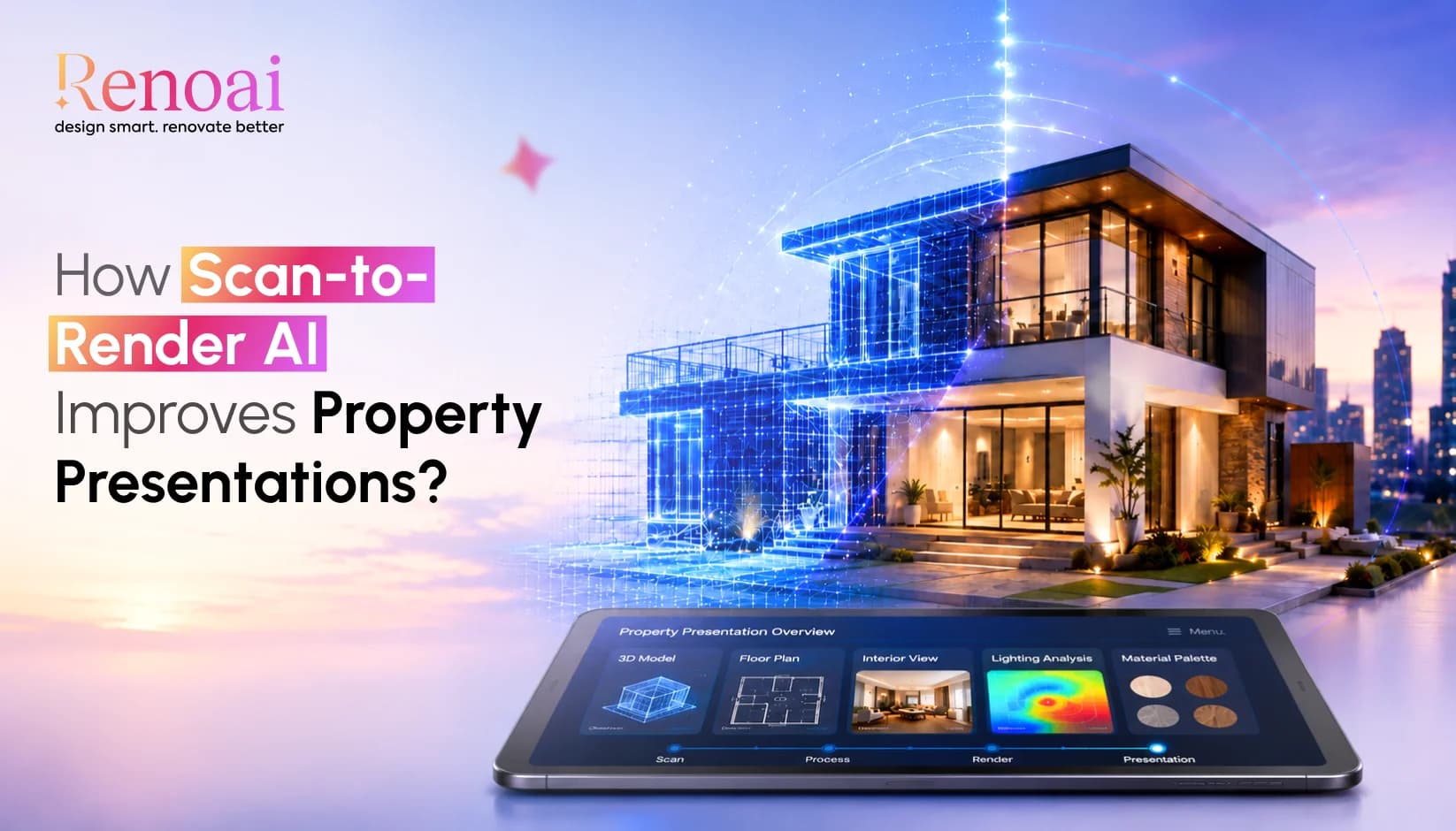
This matter because online property search is highly visual. In the 2025 NAR Profile of Home Buyers and Sellers, buyers who used the internet found photos, detailed property information, floor plans, and virtual tours among the most useful website features.
RenoAI supports this shift by allowing users to upload a space photo and generate design variations in seconds, including interiors, exteriors, landscapes, and commercial spaces.
Key Takeaways
- AI property visualization converts real space photos into realistic design previews.
- AI real estate rendering helps buyers understand layout, style, and potential.
- AI virtual staging can make empty or outdated spaces easier to imagine.
- Property scans help AI understand layout, lighting, and proportions.
- Architects can use AI architectural visualization for faster concept exploration.
- AI property presentation is useful for homes, rentals, offices, and commercial spaces.
- AI-generated renders are planning visuals, not construction-ready drawings.
- RenoAI helps users test styles, layouts, furniture, lighting, and surfaces.
What Is Scan to Render AI in Property Presentation?
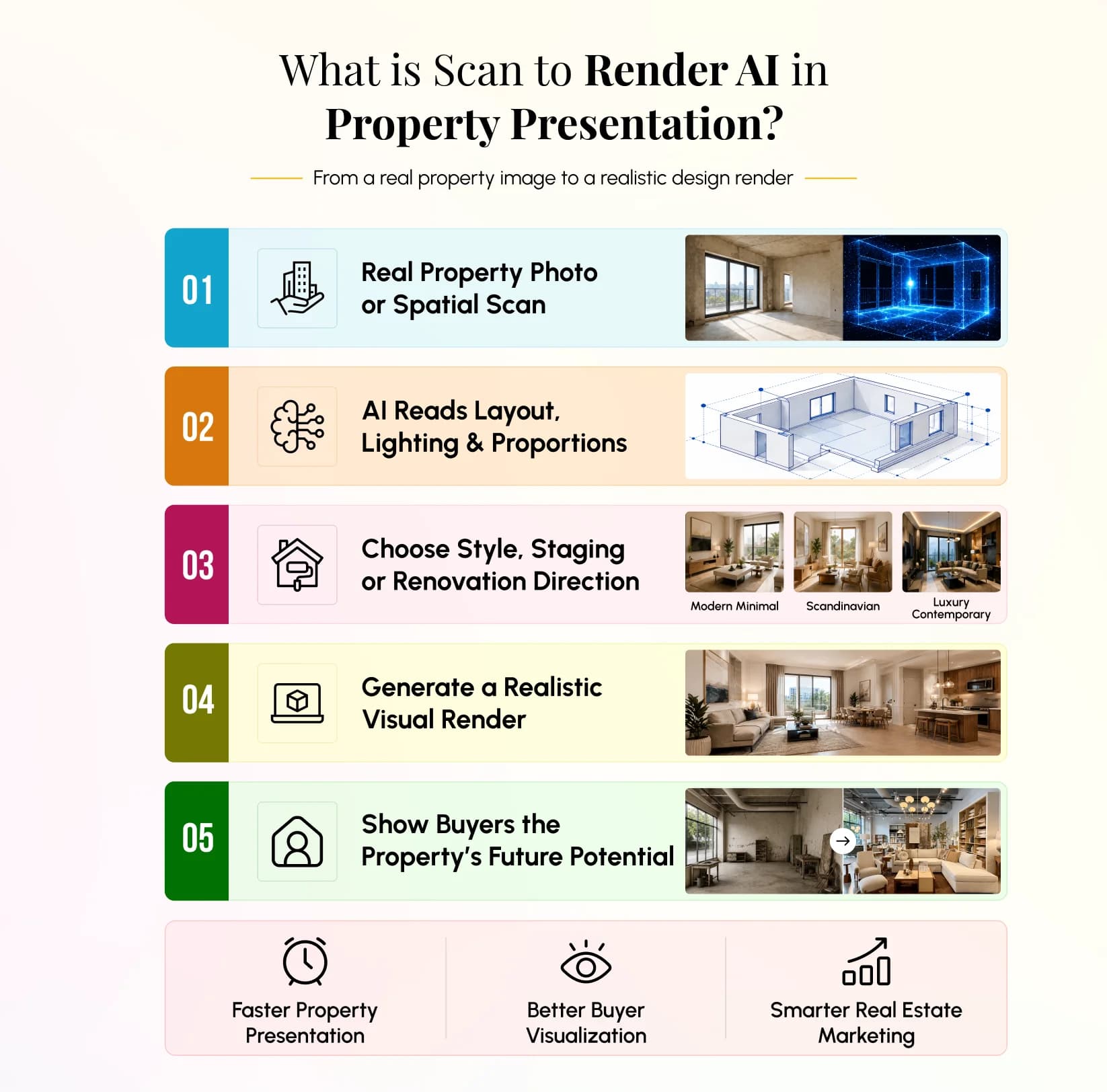
Scan to render AI is the process of converting a real property image, room photo, or spatial scan into a realistic visual render using artificial intelligence. It helps users preview how a room, apartment, office, or commercial space may look after design, staging, renovation, or furnishing.
In traditional property marketing, a buyer often sees what exists today. With scan to render AI, the buyer can also see what is possible tomorrow. A dated living room can be visualized with modern furniture. An empty apartment can be staged. A commercial lobby can be shown with improved lighting, finishes, and layout direction.
RenoAI follows this visual-first workflow: users add a space photo, select a design direction, and view final results that reflect their ideas. The platform says a clear snapshot helps AI understand layout, lighting, and proportions.
Read More: How RenoAI Helps Interior Designers Win More Clients
How Does AI Convert Property Scans Into Realistic Renders?
AI converts property scans into realistic renders by reading visual details from the uploaded space, understanding layout and proportions, and then generating design variations based on selected style, colors, furniture, or layout preferences.
The process usually works in three stages:
- Input: The user uploads a property photo or scan.
- Interpretation: AI reads spatial cues such as walls, lighting, furniture position, and room depth.
- Generation: The system creates a new visual output based on the chosen design direction.
RenoAI describes this process as adding a space photo, selecting space type, style, colors, and layout, and then exploring realistic visuals that support confident decisions.
This makes AI home visualization useful for property listings, renovation previews, rental presentations, interior planning, and early architectural discussions.
What Is AI Rendering for Real Estate?
AI rendering for real estate is the use of artificial intelligence to generate property visuals for marketing, staging, renovation planning, or buyer presentation. It can help show how a space may look with different furniture, wall colors, lighting moods, surfaces, layouts, or design styles.
For real estate professionals, this solves a common presentation problem: buyers do not always visualize potential from empty, cluttered, or outdated spaces. AI real estate rendering helps bridge that gap by showing a cleaner and more aspirational version of the same property.
For example, a property rendering software powered by AI can help create:
| Property Need | AI Rendering Output |
|---|---|
| Empty apartment | AI virtual staging |
| Outdated room | Modern redesign preview |
| Under-renovation property | Future-ready concept render |
| Commercial space | Furnished business environment |
| Exterior area | Landscape or outdoor visualization |
RenoAI includes features such as complete room makeover, add/remove furniture, wall color changes, lighting optimization, photo enhancement, camera angle consistency, decluttering, and custom style building.
Can AI Improve Property Presentations for Buyers?
Yes, AI can improve property presentations by making spaces easier to understand, compare, and imagine. Buyers can see how a property may look after furnishing, redesign, or renovation instead of judging only the current condition.
This is especially helpful when a property is:
- Empty and difficult to emotionally connect with
- Cluttered and visually distracting
- Old but structurally promising
- Under construction or renovation
- Commercially useful but visually unfinished
AI property presentation does not replace accurate property details, floor plans, measurements, or physical inspections. It adds a visual layer that helps buyers understand potential. RenoAI also states that its designs are useful for layout changes, styles, colors, and spatial feel, but they are not construction-ready drawings.
That distinction is important. AI-generated property renders should be used as visualization aids, not as final architectural documentation.
How Do Architects Use AI for Property Visualization?
Architects use AI for property visualization to explore early design concepts, compare styles, test layouts, and communicate spatial ideas before creating detailed drawings or final 3D models. AI architectural visualization is especially useful in the early decision-making stage.
An architect may use AI-generated renders to show:
- How a lobby could look with different lighting
- How a residential interior could feel in multiple design styles
- How furniture placement affects circulation
- How wall, floor, and surface changes influence the mood
- How an outdoor space may look with landscape improvements
RenoAI’s website positions the platform for design professionals and architects, and it supports visual planning decisions for interiors, exteriors, landscapes, and commercial spaces.
The benefit is speed at the concept stage. Instead of spending hours creating every rough visual manually, architects can use AI to quickly discuss direction, mood, and client preference before deeper technical work begins.
Read More: Ultimate Guide to AI Interior Design for Designers
Where Does RenoAI Fit into AI Property Visualization?
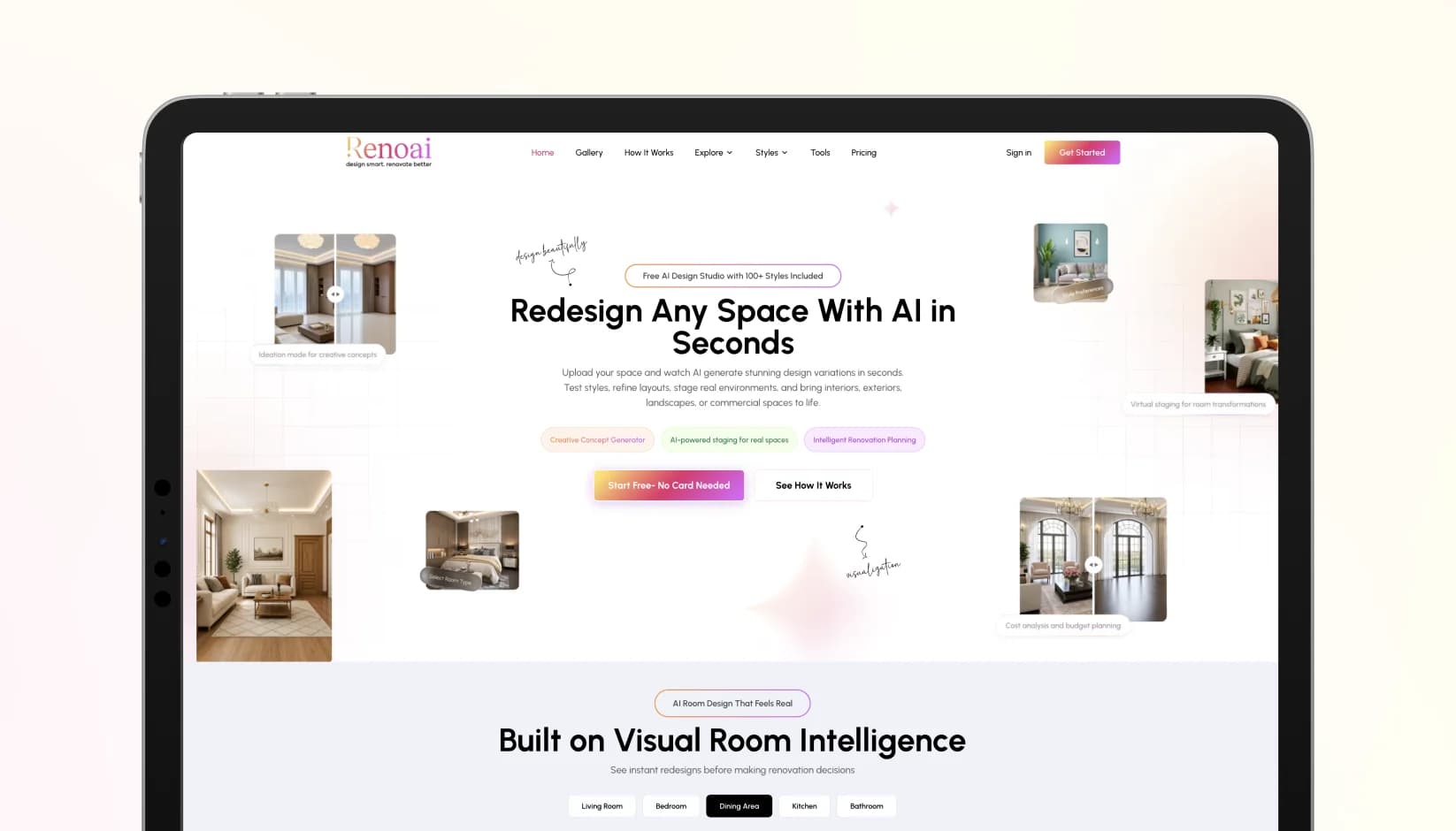
RenoAI fits into AI property visualization as an AI home visualization and room design platform that helps users upload real space photos and preview design changes. The platform is built for visual exploration, renovation planning, room redesign, furniture visualization, lighting optimization, and before-after comparisons.
For real estate agents, this means stronger listing visuals.
For architects, it means faster design conversations.
For property managers, it means clearer upgrade planning.
For homeowners, it means easier renovation decisions.
The goal is not to replace professional judgment. The goal is to make property ideas visible earlier, so every stakeholder can make better decisions with less guesswork.
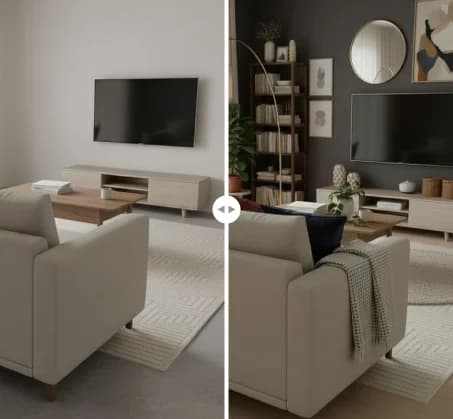
See RenoAI Come to Life in Your Space
Upload your room image and preview bold geometry, rich finishes, and timeless elegance before making any design decisions.
Preview RenoAI Now
Frequently
Asked Questions
Have questions about From Scan to Render: The Smarter Way to Present Properties with AI? We answer them here
AI-generated renders can usually be created from clear room photos, interior images, exterior shots, renovation photos, or property visuals that show layout and lighting. RenoAI specifically asks users to provide a clear snapshot so AI can understand layout, lighting, and proportions.
Start Designing with RenoAI for Free
Get 50 free credits to create up to 2 AI-generated design images in just 30 seconds.
No credit card required. No long setup. Just upload your space and start visualizing instantly.

- 50 Free Credits
- Generate up to 2 images
- No credit card required

- Unlimited design exploration
- Higher usage, faster workflow
- Built for serious design needs

Turn Property Photos into Buyer-Ready Visual Stories Today
Create realistic AI renders that make every space easier to understand.
Start Visualizing with RenoAI