
How Top Interior Design Firms Use AI to Standardize Visual Quality
Ask any interior designer what their biggest day-to-day frustration is and you'll probably hear the same answer: keeping visual quality consistent across projects, teams and clients without burning through the budget or timeline.
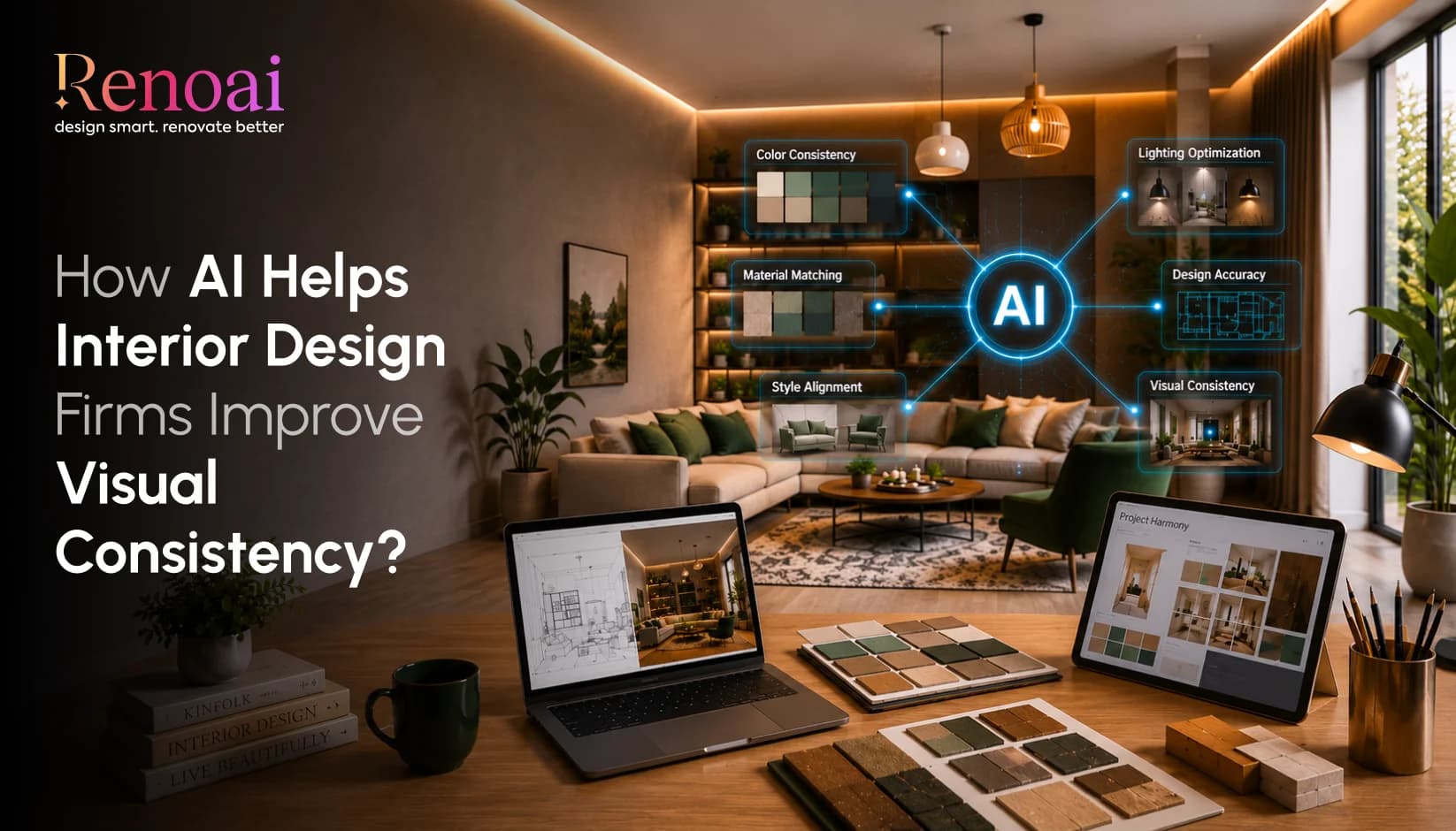
It's a real problem. And it's one that AI in interior design firms is starting to solve in a pretty impressive way.
The firms leading the industry right now are not just dabbling with AI on the side. They're rebuilding their AI interior design workflow around tools that generate, refine and standardize visuals faster than any manual process ever could. The result? Less guesswork, fewer revision rounds and a quality of output that doesn't depend on who happens to be running the project this week.
Why Visual Consistency Is So Hard to Get Right
Why Visual Consistency Is So Hard to Get Right Picture a mid-sized design firm with eight designers, each working on different residential projects at the same time. Each designer has their own eye, their own rendering style and their own shortcuts. Even with a shared brief, the visuals they produce can look like they came from completely different companies.
This is not just a visual problem it creates real business issues:
- Clients notice when proposals don't feel cohesive with the firm's brand
- Project handoffs become messy when styles differ between team members
- Senior designers spend hours correcting visuals instead of doing higher-value work
- Approval cycles drag on because clients can't confidently compare directions
Interior design quality standardization used to mean exhaustive style guides, constant oversight and expensive re-renders. Now, AI rendering tools for interior designers give firms a smarter way to handle it by building the firm's visual standards directly into the tool's settings, so every output automatically reflects the same look, lighting and feel.
How Firms Are Actually Using AI in Their Day-to-Day Workflow
The smartest firms aren't using AI to replace their designers. They're using it to take the slow, repetitive work off their plate so designers can focus on the creative strategy and client relationships that actually need a human touch.
Here's what a typical AI interior design workflow looks like at a firm that's integrated these tools well:
- A new project brief comes in
- The designer uploads a photo of the existing space
- They select the room type, preferred style direction and key parameters
- The platform generates multiple realistic visualizations in minutes, not days
- These visuals are shared internally to align the team or directly with the client to agree on a direction early
The shift here is huge: instead of presenting one polished concept after weeks of work, firms are now walking into the first client meeting with multiple AI-generated directions and using real feedback to decide where to invest the real design effort.
This approach is one of the core reasons interior design automation tools are gaining ground so quickly. It compresses the pre-design phase and dramatically reduces the risk of spending weeks on a concept the client doesn't connect with.
Read More: Top 10 Modern Interior Design Trends of 2026
Better Visuals Mean Faster Client Sign-Off
One of the places where AI is making the most visible difference is in client presentations. Early-stage design communication used to rely on mood boards, sketches and 2D floor plans. These formats require a lot of imagination from the client and imagination is not always reliable.
Professional interior visualization AI removes that guesswork. Clients can now see a photorealistic version of their actual space with real lighting, material textures, furniture placement and spatial feel at the concept stage, before a single purchase has been made.
For AI tools for architecture firms, this extends even further to facade treatments, commercial lobby redesigns and large-scale spatial planning. The ability to show rather than describe has become one of the clearest competitive advantages a firm can have when pitching new work.
Does AI Make Every Firm Look the Same?
This is the concern that comes up most often when AI visualization for designers gets introduced to a team: 'If everyone uses the same tool, won't everything start to look identical ?'
It's a fair question. But in practice, the opposite tends to happen. Here's why:
- AI platforms are configured by the firm the style parameters, material libraries and lighting preferences a team builds in become their proprietary setup
- Two firms using the same platform with different inputs will produce work that looks completely different
- The tool expresses the firm's creative identity consistently, not generically
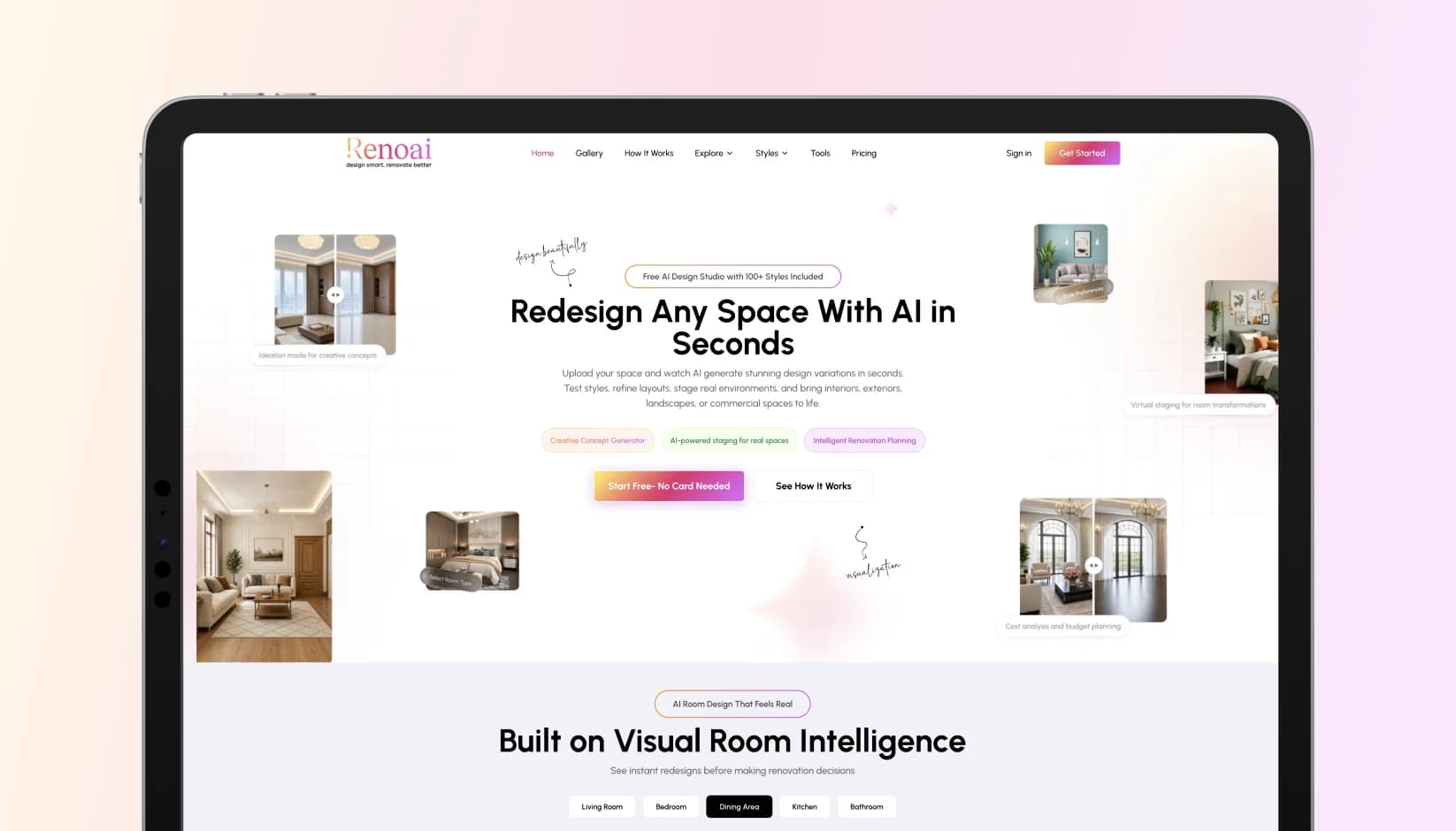
Platforms like RenoAI support over 50 design styles from Zen Japandi and Coastal minimalism to Moroccan maximalism and Hollywood Glam. A firm serving high-end residential clients can configure their workflow completely differently from one focused on commercial hospitality spaces. Both get consistent, high-quality output. Neither looks like the other.
AI design consistency tools are built to amplify a firm's existing creative voice not replace it.
Getting Started Without Disrupting Everything
For established firms, the practical question is not whether AI works it's how it fits into what already exists. The good news is that the best AI-powered interior design platforms are designed to slot into existing workflows, not rebuild them from scratch. Most only need a photo upload to get started. No complex 3D modeling files, no specialized technical training required.
Most firms start with one project type residential redesigns are the most common entry point and expand from there as the team builds confidence with the tool. The pattern is consistent: faster client approvals and fewer revision cycles in the pilot phase lead to natural buy-in for broader adoption.
The harder challenge is usually cultural, not technical. Senior designers who have spent years mastering manual rendering can feel threatened by tools that automate what they've built their reputation on. The firms that handle this transition best are the ones who position AI as a way to serve clients better not as a signal that manual skills no longer matter.
Read More: How to Use RenoAI: Step-by-Step Guide for Interior & Space Design
Think of AI as a Quality Floor, Not a Creative Ceiling
The clearest way to understand what AI actually does for design quality is this: it sets a floor. A guaranteed minimum standard of visual output that every project meets, no matter the timeline, no matter the team.
Above that floor, designers are completely free to push further toward more ambitious, more creative, more deeply crafted work. AI handles the production layer. Designers handle everything that still requires a human: reading what a client really wants beneath what they say, managing the emotion of a home redesign and building the relationships that turn one project into five referrals.
Interior design automation tools are best understood as a shift in where design intelligence goes away from low-value rendering tasks and toward the high-value thinking that no AI currently replicates.
The Quality Bar Is Rising AI Is How Firms Are Raising It
Interior design has always rewarded firms that can show a client something they can actually feel, not just imagine. AI-powered interior design platforms have made that possible faster, more consistently and more affordably than ever before.
The firms building a real competitive advantage right now are the ones who see AI not as a shortcut, but as better infrastructure a smarter system for delivering the visual quality their clients already expect every single time.
The standard is going up. The only question is whether your firm is setting it or chasing it.
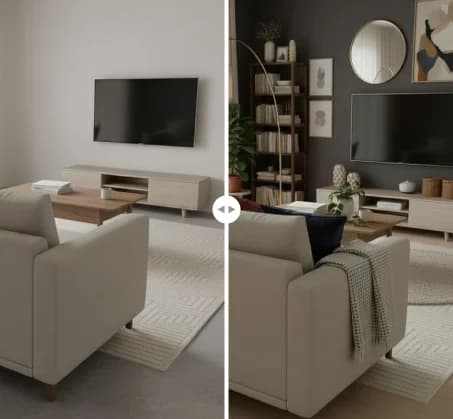
See RenoAI Come to Life in Your Space
Upload your room image and preview bold geometry, rich finishes, and timeless elegance before making any design decisions.
Preview RenoAI Now
Frequently
Asked Questions
Have questions about How Top Interior Design Firms Use AI to Standardize Visual Quality? We answer them here
They cut down the time spent on early-stage visualization. Instead of waiting days for a concept render, teams can generate multiple photorealistic room designs in minutes then use client feedback to decide which direction deserves deeper investment.
Start Designing with RenoAI for Free
Get 50 free credits to create up to 2 AI-generated design images in just 30 seconds.
No credit card required. No long setup. Just upload your space and start visualizing instantly.

- 50 Free Credits
- Generate up to 2 images
- No credit card required

- Unlimited design exploration
- Higher usage, faster workflow
- Built for serious design needs

Great Interiors Start with a Vision. AI Builds It for You.
See realistic before-and-after concepts before spending a dollar.
Start Designing for Free